



How environmental teams turn paper forms into field-ready digital apps with AI
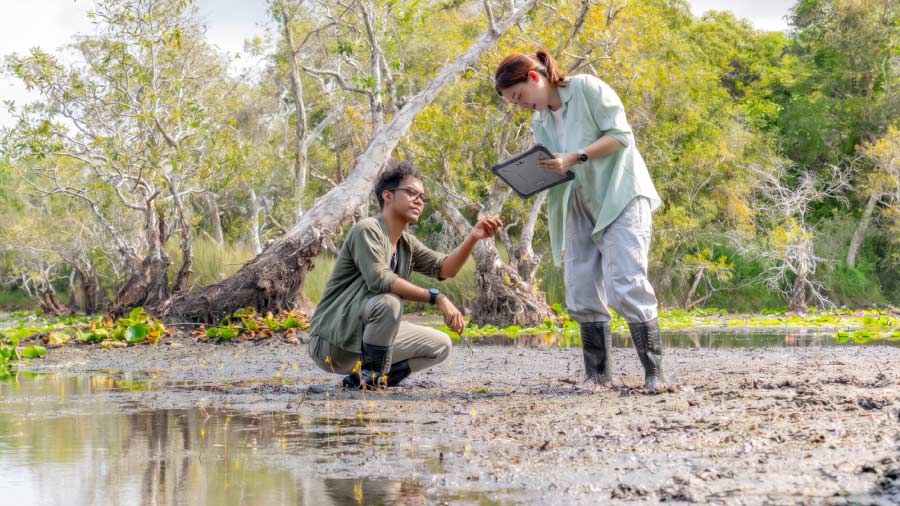

AI can now turn an environmental agency’s paper form into a digital field app in minutes, speeding up form digitization. Speed has a catch, since agency forms depend on unwritten rules and an AI draft can miss them. Six practical checks and one test record help environmental teams digitize paper forms without losing what reviewers expect. A short routine in Fulcrum then takes each environmental inspection checklist from AI draft to field-ready app.
An environmental agency form on paper works because a trained scientist fills it out. The Corps’ Atlantic and Gulf Coastal Plain wetland form, for example, shows how much of a form lives in that scientist’s head. Its hydrology page asks whether surface water is present and leaves a space for depth in inches. Nothing on the page says whether that depth must be filled in after a “yes.” It seems obvious enough: the wetland scientist knows to record the depth without being told, and the Corps reviewer assumes it was recorded.
An AI assistant can’t infer an unwritten rule, so its draft app can treat the question and the depth as two unrelated fields, with no validation rules linking them. A crew member could then answer “yes” and skip the depth, and the app would accept the record as complete. The same kind of gap can appear wherever the agency form relied on judgment, including pick lists, units, calculations, and signatures.

The draft application still needs a careful comparison with the original before a crew uses it. AI builds the app from the text and layout of the source document, so it can miss the nuance behind an agency form, such as conditional requirements and reviewer expectations that are not included on the printed form. A draft app that misses those rules can accept incomplete records or produce a report the reviewer won’t recognize. Six checks find those gaps, and a short routine in Fulcrum takes the form from that first version to a crew in the field.
Besides carrying unwritten rules, agency forms limit what a team can change during conversion. On a form your own firm designed, your team can drop a confusing field or reword a question. An agency form has to keep what the agency requires, and how much it requires varies by program. The Corps wetland form sets the indicator names, codes, and calculations, so the digital version has to match them exactly. Other programs say what information to collect and leave the layout up to the firm.
Two EPA programs show how that works. EPA’s Spill Prevention, Control, and Countermeasure (SPCC) rule lets each facility write its own inspection procedures, as long as it keeps signed records. A Phase I environmental site assessment (ESA) report can take any format that includes the contents and declarations EPA’s all appropriate inquiries rule requires. In both cases, the digital version still has to collect the required information and produce a report the reviewer recognizes.
Whether the agency accepts an electronic version or an electronic signature are separate questions. Agencies and permits set their own rules on electronic forms and required layouts, so teams need to check with the reviewer before converting anything. For example, under EPA’s Cross-Media Electronic Reporting Rule, a state, tribal, or local program needs EPA approval before it accepts electronic reports under an EPA-authorized program.
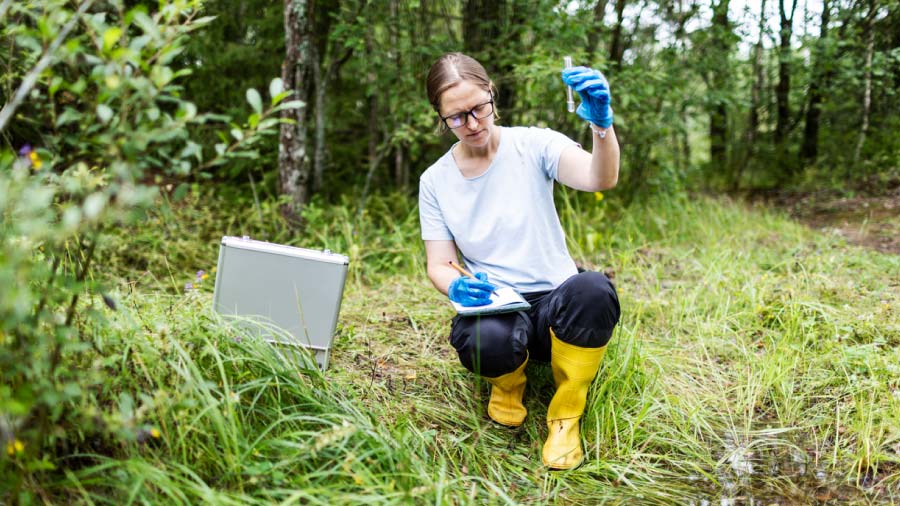
An AI draft app has to clear all three hurdles: unwritten rules, agency requirements, and the agency’s stance on electronic forms. Each one leaves gaps in predictable places, so a short set of checks can find them.
Comparing the draft app with the paper original goes quickly once you know what to look for. Each of the six checks below targets one kind of rule that paper leaves unwritten, and most of their examples come from the Corps’ Atlantic and Gulf Coastal Plain data form. A draft app is ready for its test record once all six of these hold true.
The first three checks confirm that the draft app asks for the same information as the paper form, in the same terms.
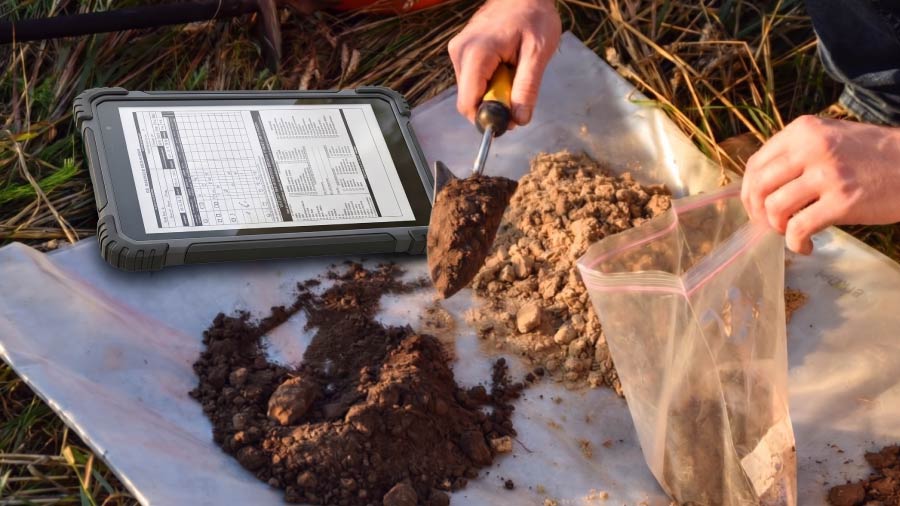
The last three checks cover the work the paper form did on its own: adding up numbers, controlling who signs, and laying out the page for a reviewer.
A draft app that passes all six checks collects what the paper form did and produces a report the reviewer can follow. The same checks work across a whole program when teams convert paper forms to digital one after another. An environmental inspection checklist, an audit, a hazardous waste inspection, and a client’s environmental compliance checklist all have different fields. Their unwritten rules still fall into the same six groups, so the checks get faster with every form a team converts. Over time, form digitization becomes a repeatable workflow.
The six checks run against a draft app, and in Fulcrum, that draft comes from the AI form builder. The builder works through an AI assistant your firm already uses, such as Claude, Microsoft Copilot, Google Gemini, or ChatGPT. The Fulcrum Model Context Protocol (MCP) connector links that AI assistant to your Fulcrum account, and the AI Toolkit teaches it how Fulcrum forms are built. When you share the agency form with the AI, it builds the fields, validation rules, conditional logic, and reports in your account.
The form runs on Fulcrum’s Field Operations Management platform, so several field requirements are covered from the first draft. Every form works offline for mobile data collection, attaches a location and photos to each record, and keeps permissions and an audit trail. The platform also connects with ArcGIS and the other office systems your team relies on, so structured data from the field feeds every downstream workflow.
The MCP connector and AI Toolkit are in Fulcrum Labs, Fulcrum’s early release program. Customers who are ready to build can request early access.
Can AI be used to convert a paper agency form into a digital form?
AI assistants can draft a digital version of a paper environmental form, such as a wetland determination data form or a site inspection checklist, in minutes. The assistant builds the draft from the printed page, so someone who knows the form should compare the two before field crews start using the digital version.
Why do AI-drafted environmental forms need human review?
An AI assistant can only build a digital form from what the paper version prints on the page. Many environmental agency forms also depend on rules a trained field scientist applies without being told, such as recording water depth after answering “yes” to a surface water question. A draft that misses those rules can accept incomplete records or skip required calculations and signatures.
What should teams check when they digitize paper forms with AI?
When an AI assistant turns a paper agency form into a digital form, a person who knows the paper version should compare the two before crews use the digital form. That review should confirm that the digital form includes every field on the paper form, shows follow-up questions at the right times, uses the same units and pick lists, calculates totals the same way, handles signatures the way the agency requires, and produces a report laid out like the paper form. Each of these checks catches a rule the paper form relied on without stating it, which an AI working from the printed page can miss.
Do all environmental regulations dictate the layout of field forms?
Environmental regulations differ in how much they dictate about field forms. Some set the exact content and layout of the forms field crews fill out, and others specify only what information a record or report must include.
How should a digital chain of custody form for environmental samples handle signatures?
A chain of custody form for environmental samples, such as soil or water samples sent to a laboratory for analysis, records every person who handles the samples between collection and testing. Each person who hands off or receives the samples signs the form and records the date and time of the transfer. A digital chain of custody form therefore needs a separate electronic signature block, with its own date and time, for every transfer.
Which paper environmental forms should teams digitize first?
Forms that crews fill out often, such as weekly stormwater inspections or routine site inspection checklists, usually save the most time once they’re digital. Forms with calculations, follow-up questions, or strict signature rules are also strong early candidates, since a digital form can total numbers automatically and require entries a crew might skip on paper
Do digital field forms work at remote sites without cell service?
Digital field forms built for offline use store each record on the phone or tablet and upload it once the device reconnects to a network. Offline capability is essential for environmental work at wetlands, pipeline corridors, and remote remediation sites, where cell coverage is often weak or missing.
Does every environmental agency accept electronic versions of their forms?
Environmental agencies set their own rules on electronic forms and required layouts, so teams should confirm acceptance with the reviewer before converting a form. Under EPA’s Cross-Media Electronic Reporting Rule, for example, state, tribal, and local agencies that run EPA programs need EPA approval before they accept electronic reports.